
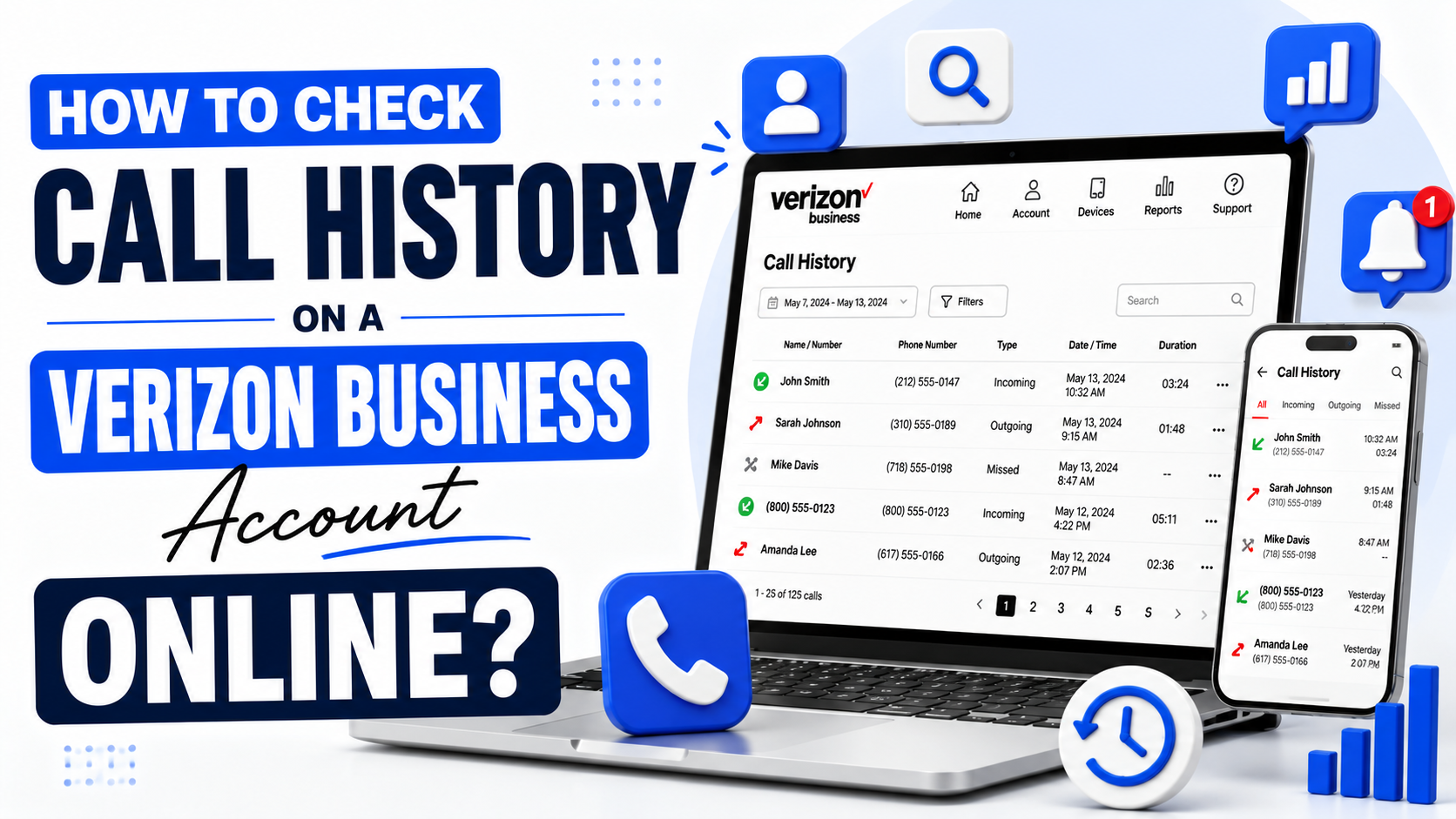
How to Check Call History on a Verizon Business Account (2026 Guide)
Whether you are tracking billable minutes, checking a client call, reviewing team usage, or preparing records for accounting, Verizon Business call history is available in a few account areas. This guide explains how to find, filter, and download call logs online, in the app, and through billing records.
For adjacent phone-system admin tasks, read our complete guide to managing business voicemail. If your company also uses Comcast lines, our Comcast Business voicemail access number guide covers remote mailbox access.
Where Verizon Business Call History Lives
Verizon Business gives account users and admins several ways to view usage records. The exact labels can vary by service type and account permissions, but call history usually appears in one of these places:
- The My Business or Verizon Business online account.
- The My Verizon for Business mobile app.
- Usage, billing, or reporting sections inside the account portal.
- Monthly bills or downloadable usage statements.
Verizon Business also provides reporting tools in My Business Wireless for tracking and managing account activity. If a menu name changes, start with Usage, Billing, Reports, or Manage Account.
Method 1: View Call History Online
- Go to the Verizon Business sign-in page and log in with your account credentials.
- Open Manage Account, Usage, Billing, or Reports.
- Select the phone line or account group you want to review.
- Choose View Usage, Call Details, Call History, or a similar call-log option.
- Filter by date range, line, number, or billing period when available.
- Open the call detail record to review dates, times, durations, and numbers.
The online portal is usually the best option when you need detail, filtering, or exports.
Method 2: Use the My Verizon for Business App
Sign in to the app, choose the relevant account or line, and open the Usage area. The app is useful for quick checks from the field. For deeper filtering, downloads, and multi-line review, use the online account portal.
Method 3: Check Your Monthly Bill
Your monthly statement or detailed usage file may include call-detail information for the billing period. Download the PDF bill or usage report from Billing if you need a permanent record for expense reports, reimbursements, disputes, or internal audits.
How to Download or Export Call Logs
In the account portal, look for a Download, Export, Reports, or Usage Details option. CSV exports are useful when you need to sort calls in a spreadsheet. PDF exports are better when you need a static record that mirrors the billing period.
If you manage multiple lines, export by billing period and line whenever possible. Clear file names help later, such as verizon-call-history-june-2026-sales-line.csv.
Tips for Account Owners and Admins
- Assign roles carefully so employees only see the records they need.
- Use admin access for multi-line reporting and team usage review.
- Set usage alerts when available so teams know before limits are reached.
- Download reports regularly if your company has retention or compliance requirements.
- Use two-factor authentication and strong passwords for account access.
Frequently Asked Questions
How far back can I see Verizon Business call history?
Recent usage is usually available in the online account, while older records may be available through past bills and reports. Availability can depend on account type and service.
Can I download Verizon Business call logs?
Yes, many Verizon Business account areas support downloadable reports or billing files, often as CSV or PDF.
Can employees see each other's call history?
Only users with the right permissions can view other lines. Standard users typically have limited access, while admins can manage broader account reporting.
Why do menu names look different in my Verizon account?
Verizon updates its portals and app periodically, and menu labels can vary by product. Check Usage, Billing, Manage Account, or Reports if you do not see Call History immediately.
Sources and Final Thoughts
This guide references Verizon Business resources, including My Business account access, Verizon's My Business Wireless reporting support, and Verizon Business guidance on viewing business wireless usage.
Bottom line: start in the online portal for the most control, use the app for quick lookups, and download bills or reports when you need a permanent call-history record.
Join the Discussion
Comments (0)
No comments yet. Be the first to share your thoughts!